CDPAP Pulse
Fall 2026 Issue
Welcome to the fall 2026 issue of PPL CDPAP Pulse — your source for program updates, helpful reminders, and stories from the community. This issue includes reminders for the season ahead, along with a few stories we think you'll enjoy.
A Note from the PPL CDPAP Team
Consumers, designated representatives, and personal assistants (PAs) across New York make CDPAP work. We hear from many of you every day, and we don’t take it for granted.
When you call with a question, send us feedback, or take a minute to answer a survey, you help us make things clearer and easier for the next person. Many of the updates in this issue started with feedback from you.
November is National Family Caregivers Month, and we want to recognize the family members and loved ones across New York who provide support through CDPAP. Later in this issue, you’ll find stories from caregivers making an impact.
Wishing you a warm, healthy fall.
PPL CDPAP Team
What to Know About EVV
EVV Is a Team Effort
Electronic visit verification (EVV) electronically confirms when a PA's shift starts and ends, capturing the date, time, type of service, and location of care in real time. It's required under federal law and by New York State for all CDPAP services. It helps make sure PAs are paid accurately and on time and that consumers stay within their approved service authorization.
Who Does What
EVV compliance is a shared responsibility — both consumers and PAs play a part.
PAs clock in when a shift starts and clock out when it ends, using either the Time4Care® app or PPL’s Telephony system (1-833-278-3959). Time should be recorded in real time. It should not be edited later, submitted after the fact, or entered all at once. Only the PA can enter their own time.
Consumers and designated representatives review and approve their PAs’ hours in Time4Care, Telephony, or in PPL@Home.
Check Your EVV Scorecard
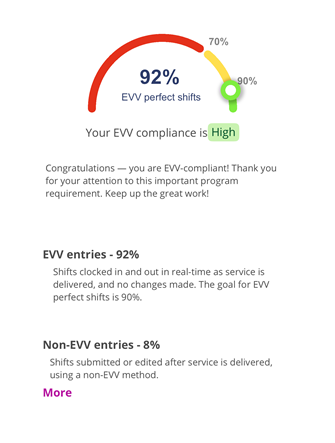
Time4Care includes an EVV Scorecard that shows what percentage of recent shifts met EVV standards. It reflects the last 30 days of processed shifts and refreshes weekly, usually on Saturdays.
🟢 Green (90% or higher): strong compliance
🟡 Yellow (70% to 89.99%): room to improve
🔴 Red (below 70%): needs immediate attention
PAs can find their scorecard by logging in to Time4Care and selecting the My EVV Details tile. Consumers can log in to Time4Care and choose a PA from the dropdown menu. Select “More” on the scorecard to see a breakdown of late submissions and edited entries.
Need a refresher? Our EVV resources page has step-by-step guides, videos, troubleshooting tips, and answers to common questions, including materials in multiple languages.
Open Enrollment for Your PPL Benefits is Coming!
Open Enrollment is your once-a-year opportunity to review and update your coverage. This is an active enrollment, which means you must elect your benefits to have coverage in 2027. Your 2026 elections will not roll over. Here’s what you need to know:
Open enrollment for most PAs is December 1 to December 27, 2026. Benefits you elect will be effective January 1 to December 31, 2027.
For some PAs, PPL needs to review hours worked on a month-to-month basis, called the “monthly measurement,” to determine eligibility for benefits. If this applies to you, your open enrollment window will be December 14 to December 27, and PPL will contact you directly with details.
Full-time employees will have an additional medical plan option from Anthem, alongside SecureHealth and SecureHealth Plus, called the PPL Preventative Plan. It’s a voluntary, lower-premium option that covers annual checkups, routine screenings, and other preventive care services. PAs will also receive access to a new prescription drug discount card, Inside Rx, which can save up to 80% on brand-name and generic medications.
Voluntary benefits through Chubb, the NYC Transit Plan, and the CareSecure retirement plans remain the same as in 2026.
More information on your benefit options is coming soon. Be sure to elect your 2027 benefits by December 27, 2026.
Questions about your options? The GSA National Benefit Center can help. Call 1-888-250-8303, Monday through Friday, 8 a.m. to 7 p.m. ET.
2027 Open Enrollment: December 1–27, 2026

Plan for Your Future with PPL Retirement Options
Did you know that PPL offers a 401(k) retirement savings option for PAs statewide, as well as a 401(a) retirement plan for PAs working in downstate wage parity regions?
To access your account, visit empowermyretirement.com or call Empower at 1-800-338-4015.

Go Paperless This Tax Season
PAs can choose to receive their W-2 electronically in PPL@Home by going to the Tax Documents tab and selecting “Receive electronic copies of my Year End Tax Documents.” Once selected, no further action is needed. The deadline to opt in is December 31, 2026.
If you go paperless, you will not receive a paper W-2 by mail. If you do not go paperless, you will continue to receive both an electronic and a paper copy of your W-2. If you still want a paper copy, please make sure your mailing address is correct in PPL@Home.
Why go paperless?
- It’s more secure (no risk of lost mail).
- Forms are available in PPL@Home as soon as they’re ready.
- Copies can be downloaded and printed whenever needed.
- Your tax documents stay securely stored in PPL@Home for future needs.
W-2s will be distributed no later than January 31, 2027.

Recognizing Family Caregivers
Family caregivers help their loved ones stay healthy, live independently, and feel supported every day. November is National Family Caregivers Month, and we want to recognize the family caregivers who do this work.

Laurie R.
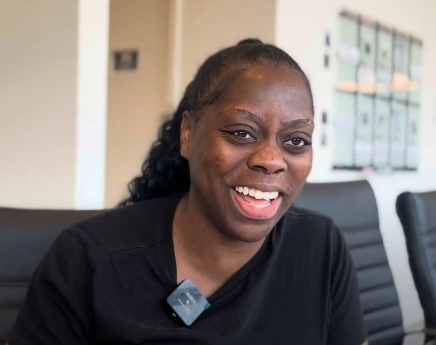
Laurie is a support worker who spends the day helping her loved one get settled, take medications, and get out for appointments. Laurie shares what a typical day looks like, and the shared routines, humor, and trust that make it work.
Voices of Self-Direction
Caregivers share what their days look like and what it means to show up for the people they support. Hear more about their routines and moments that make their work meaningful.

What Emotional Support at Home Looks Like
In-home caregivers offer more than practical help. Our “Day in the Life” videos show how much connection can be part of the work. For more on why that matters, read our blog on the emotional support benefits of companionship, routine, and dignity, for consumers and their families.
A Bronx Family’s CDPAP Story
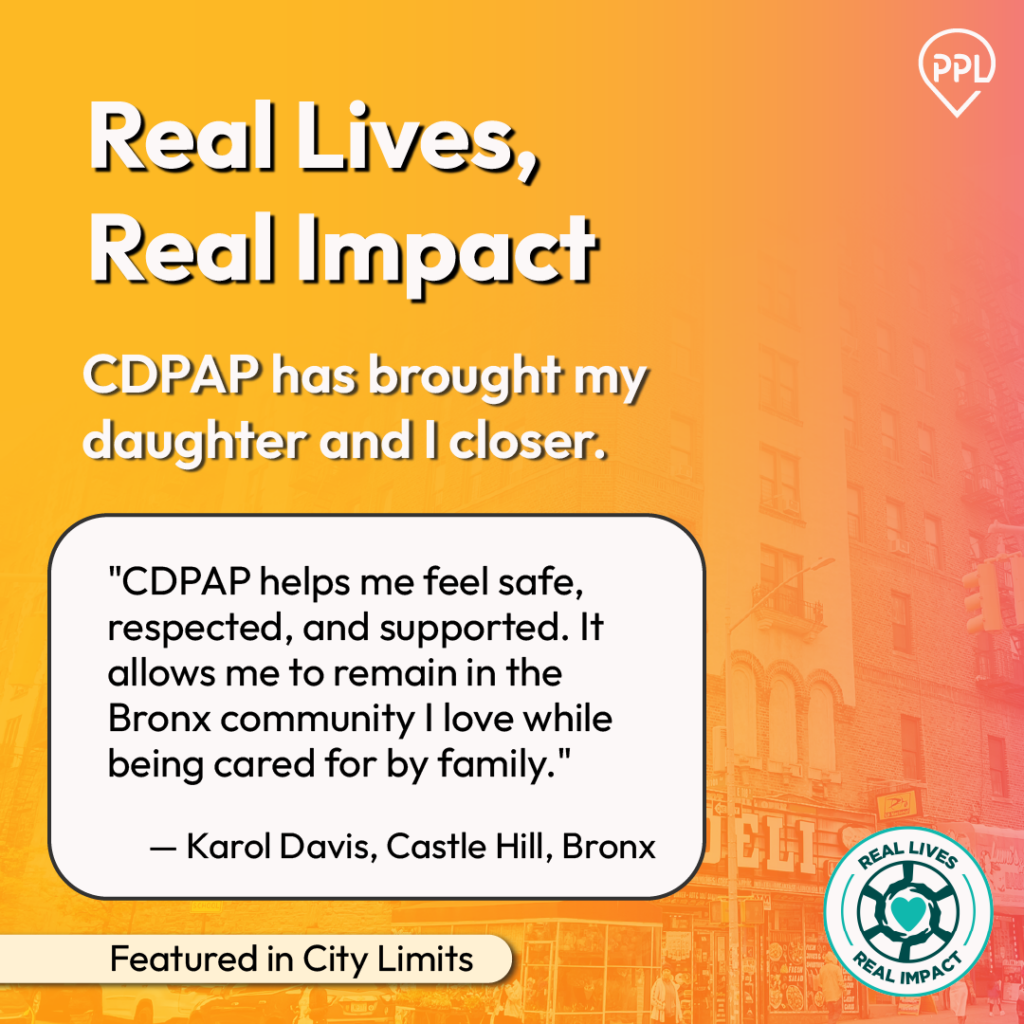
Karol Davis has lived in New York City her whole life. In an op-ed for City Limits, she shares how CDPAP allows her daughter to work as her PA, and how that support has brought them closer. Thank you to our CDPAP facilitator partner, Royal Care, for supporting Karol and her daughter.
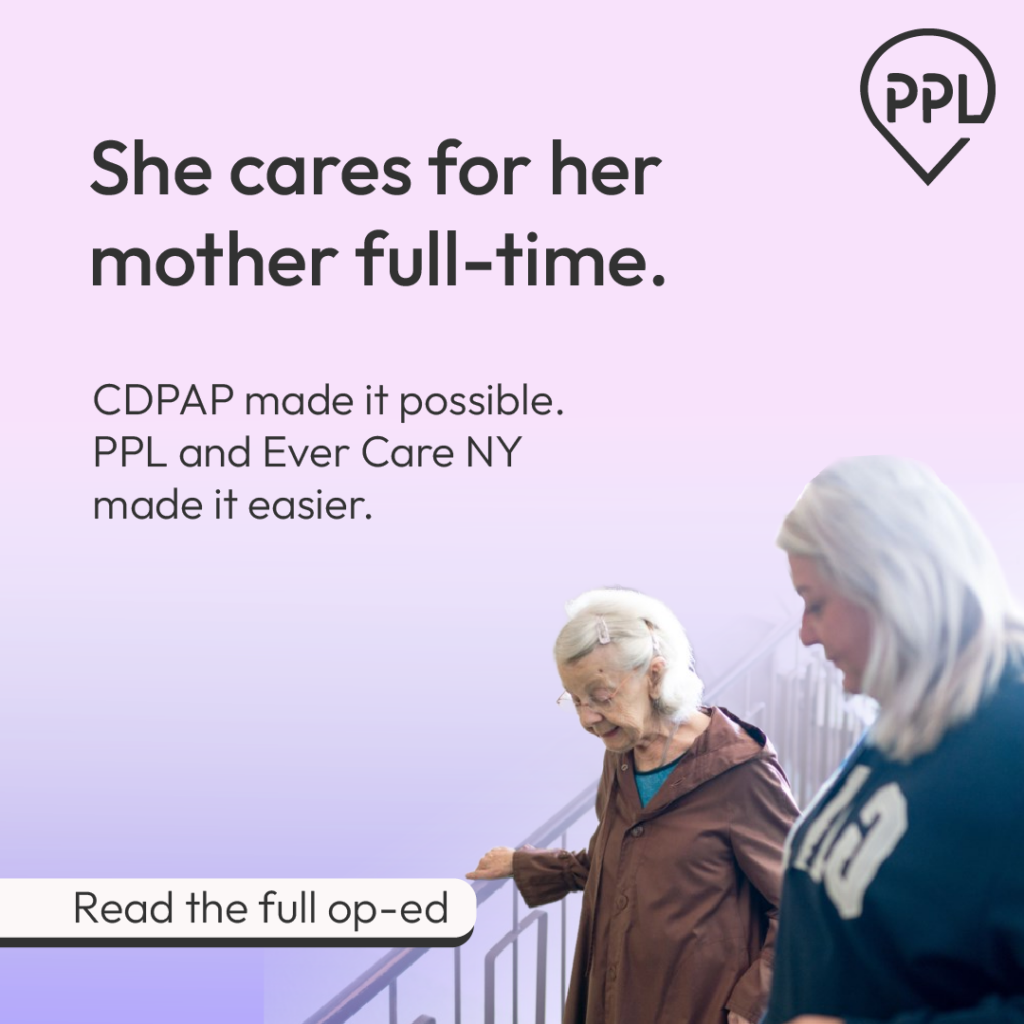
One Year Later: Elena’s CDPAP Story
Elena was worried about what changes to CDPAP would mean for her and her mother. In an op-ed for BK Reader, she looks back on the past year, including the support from her CDPAP facilitator, Ever Care NY.
Voices of Self-Direction: Personal Assistant Spotlight
To mark the month, we’re sharing “Day in the Life” videos that offer a look at what this work means. Hear from PAs and support workers in programs we support in New York and beyond.
Voices of Self-Direction: Stories to Read
As we recognize National Family Caregivers Month, we’re sharing a closer look at what emotional support at home can mean for families. Hear from consumers and families in the CDPAP community, in their own words.
Holiday Pay Reminders
Planning to Work This Holiday Season? Read This First
The holiday season is almost here, so here's a quick reminder for PAs about how holiday pay works in CDPAP.
Full-time PAs — those who work more than 130 hours per month — receive time-and-a-half pay for the first 8 hours worked on these holidays:
- New Year’s Day
- Martin Luther King Day
- Memorial Day
- Independence Day
- Labor Day
- Thanksgiving Day
- Christmas Day
If a PA works more than 8 hours on a holiday, the additional hours are paid at their regular rate.
Holiday Pay and Overtime
A PA won’t receive both holiday premium pay and overtime premium pay in the same week. If a PA works overtime in a week that includes an eligible holiday, the holiday premium pay is reduced, hour for hour, by the number of overtime hours worked. If the overtime hours are more than the holiday hours worked, the holiday premium pay is reduced to zero.
Need more detail? Our guide explains how holiday pay and overtime work together in New York CDPAP, with examples.
Questions? Visit the CDPAP FAQ page or call 1-833-247-5346.

Tools to Track Authorized Hours
Every consumer’s CDPAP care hours are set by their service authorization, and PAs must work within those hours. PPL can only pay for the hours a consumer is authorized for, so keeping track of them helps everyone avoid payment issues.
How it works
- The consumer’s health plan or local social services office issues the service authorization based on the plan of care. Consumers (or their designated representatives) schedule PAs within those hours.
- Most service authorizations reset each Sunday at 12 a.m. ET.
- Consumers can see their authorized hours in the Summary or Service Authorizations tab of PPL@Home, including current and upcoming authorizations and remaining hours.
Tools to help you stay on track
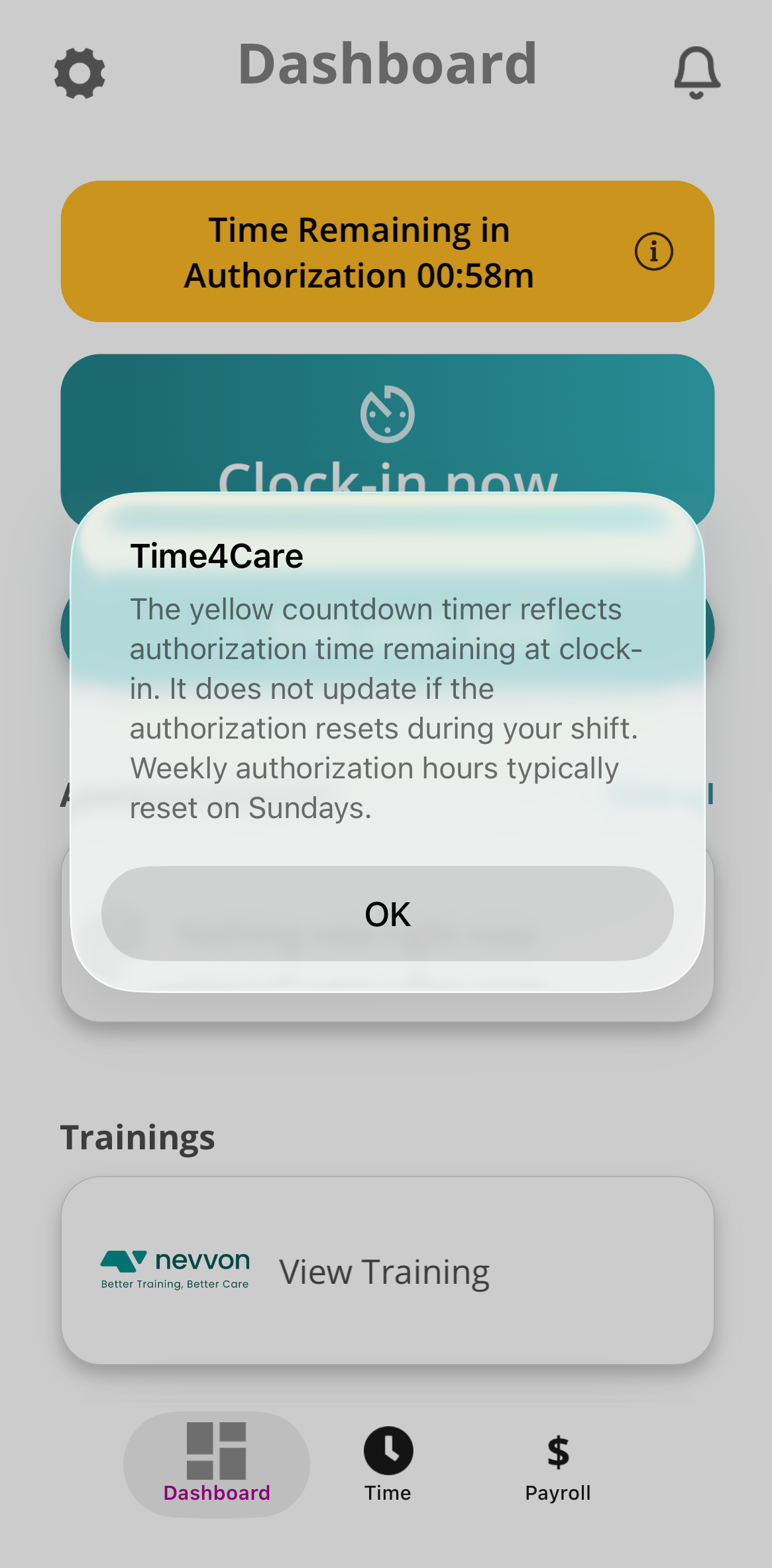
In June, we shared that consumers can see service authorizations and remaining hours in PPL@Home. We've since added more tools to Time4Care:
Countdown clock: When a PA clocks in, a yellow countdown clock shows how much authorized time is left, once it’s 16 hours or less.
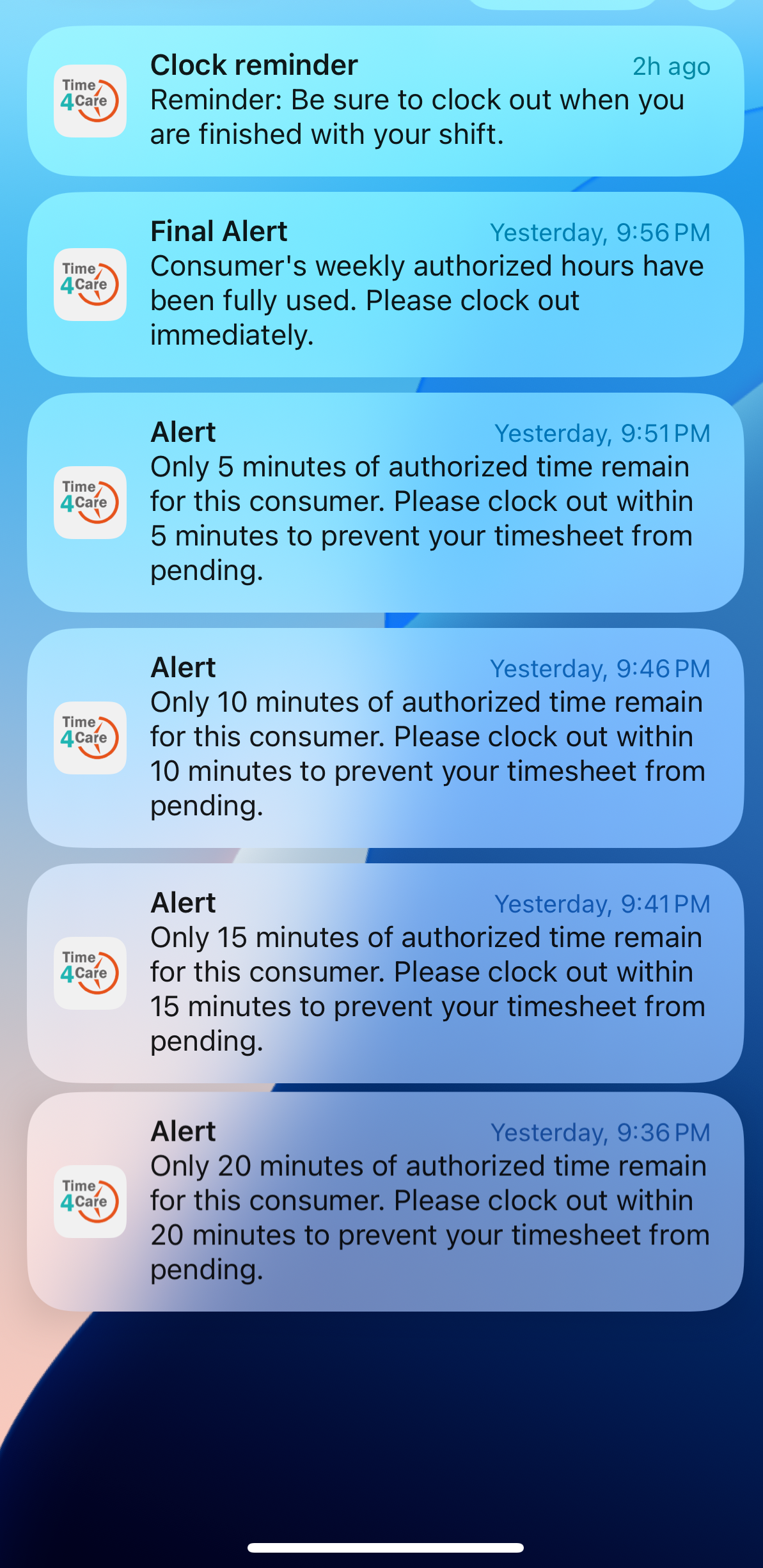
Push notifications: As authorized hours run low, Time4Care sends alerts at about two hours, one hour, and thirty minutes remaining.
The final alert means that all of the consumer’s authorized hours have been used. Hours will be available again when the authorization resets, which is typically on Sundays. Working past the limit can cause a timesheet to pend, which is what these alerts are meant to help avoid.
Need help with scheduling? Consumers can contact PPL for help scheduling within authorized hours. Call 1-833-247-5346 or email nycdpap@pplfirst.com.
Annual Health Assessment: Check Your Status and Plan Ahead
Health assessments are required for PAs to become and stay eligible to work in CDPAP. New PAs complete a full pre-employment health assessment. After that, PAs complete a yearly requirement to stay eligible.
Many PAs who moved to PPL during the statewide transition are now coming up on, or have passed, their annual deadline. If yours is close, don’t wait. PAs who miss the deadline after multiple reminders may be placed on hold. While on hold, PAs cannot submit time, and should not work until they complete the assessment with a passing result. Reactivation can take 2 to 3 business days.
What the annual requirement involves:
- A Personal Self Health Assessment (PSHA), a health questionnaire reviewed by a nurse or nurse practitioner
- Annual TB Risk Assessment and symptom review
In many cases, the questionnaire and TB risk assessment can be done in about 10 minutes.
How to check your status
- PAs and consumers can check health assessment status anytime in the Summary tab of PPL@Home.
- Your assigned provider, Mobile Health or The IMA Group, is listed in the To Do List tab of PPL@Home.
- If your provider is Mobile Health, you can complete your yearly requirement, check the status of your paperwork, book an appointment, and more in the Mobile Health patient portal.
Questions? Call PPL at 1-833-746-8283 for exemption questions or 1-833-247-5346 for general support.
PPL Flex Card Program Has Ended: Spend Down Remaining Funds
This applies only to wage parity PAs who have a Flex Card. If that's not you, you can skip this section.
The PPL Flex Card Plan ended on April 30, 2026. If you have a Flex Card with a remaining balance, you can use it on any combination of the following:
- Healthcare (EBHRA), such as copays, prescriptions, deductibles, and over-the-counter medications.
- Dental/vision care (HRA), such as cleanings, eye exams, glasses, and contact lenses.
- Public transportation (transit), such as subway or bus fares.
- Cell phone, such as your monthly phone bill or plan payment.
- Parking, such as parking fees at or near your work location, or a monthly parking permit.
- Childcare (DCA), such as daycare, after-school care, or a day camp for a child while you work.
Flex Card money can be spent on one category or a combination of categories. For example, if a PA chooses 50% healthcare and 50% childcare, they will be able to spend half of the money on healthcare and the other half on childcare. If no selection is made, the healthcare category (EBHRA) will automatically be assigned. If that happens, Flex Card money can only be used for healthcare expenses.
A $1/month administrative fee will be deducted until your balance reaches $0.
To check your balance, go to the Summary tab in PPL@Home or log in to the Leading Edge portal.
Have questions about the Flex Card or need a replacement? Contact Leading Edge at 888-643-1434.
PPL in the Community
PPL Supports Brain Injury Awareness
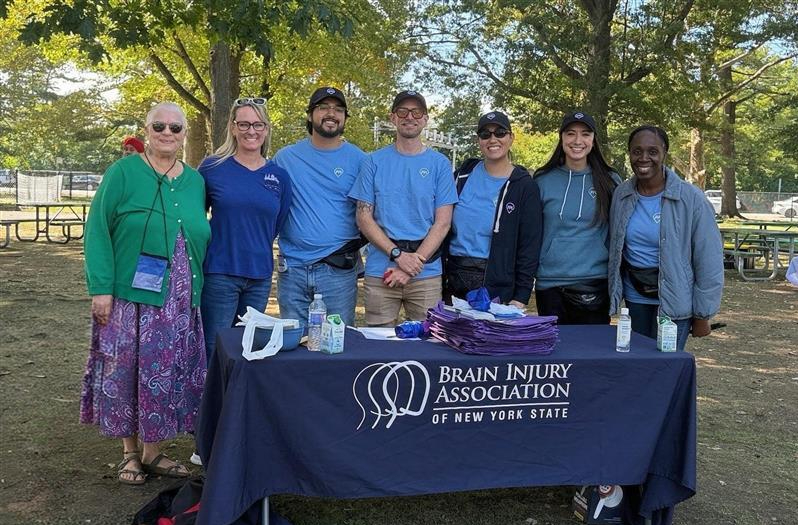
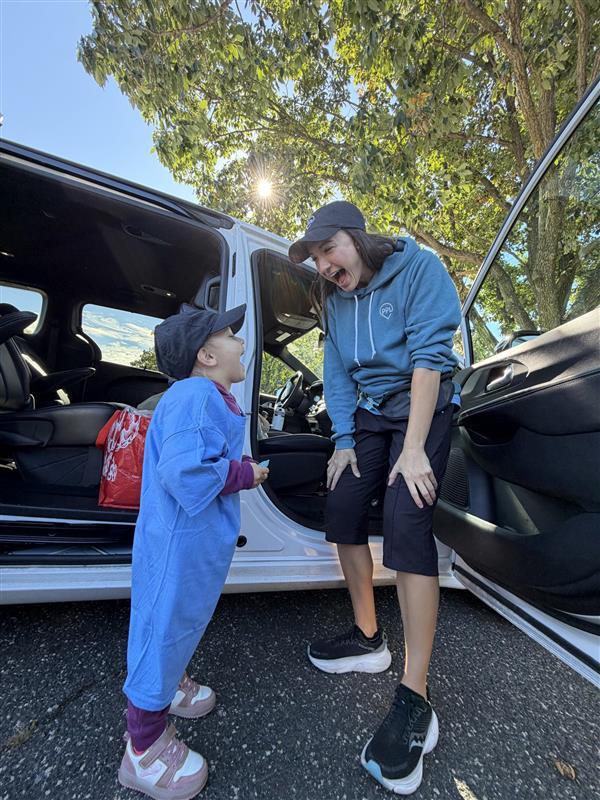
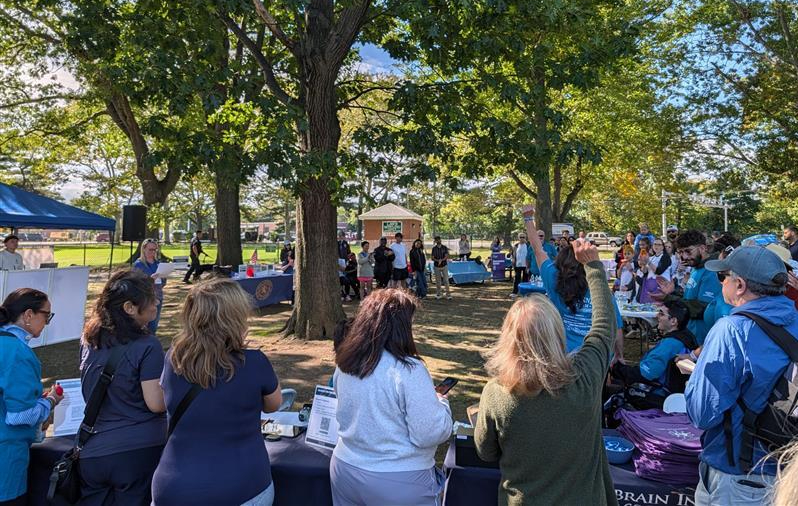
This fall, PPL was proud to participate in the Brain Injury Association of New York State’s (BIANYS) annual March On for Brain Injury Walk. The event helps fund the vital programs and services BIANYS provides to individuals and families affected by brain injury.
On Saturday, September 26, PPL team members and their families joined the walk at two locations across the state — Long Island’s Eisenhower Park and Rochester’s Seneca Park. The day brought together energy, music, and connection, all in support of raising awareness for brain injury throughout New York State.
Showing Up for Our Neighbors in Brooklyn and Queens
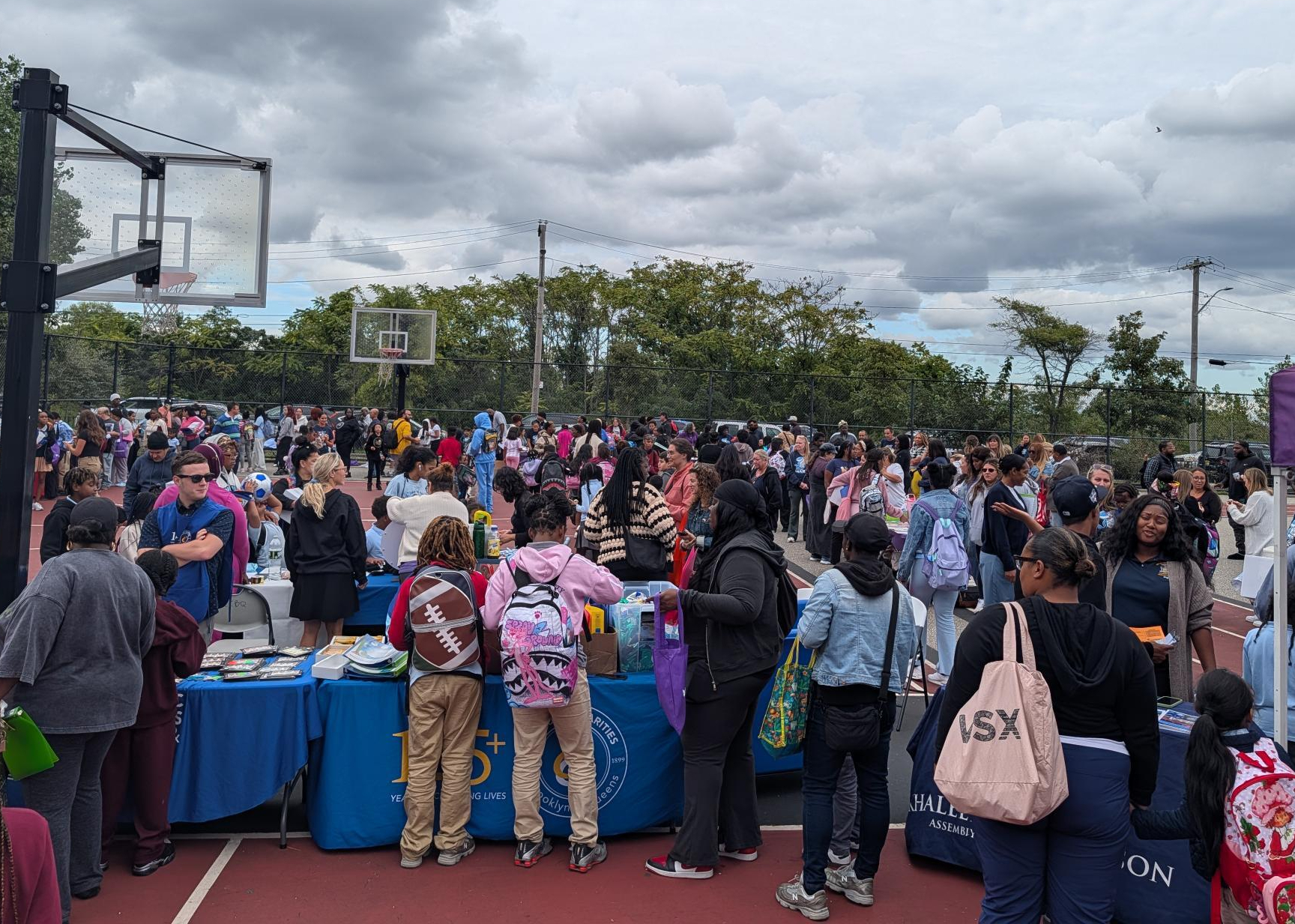
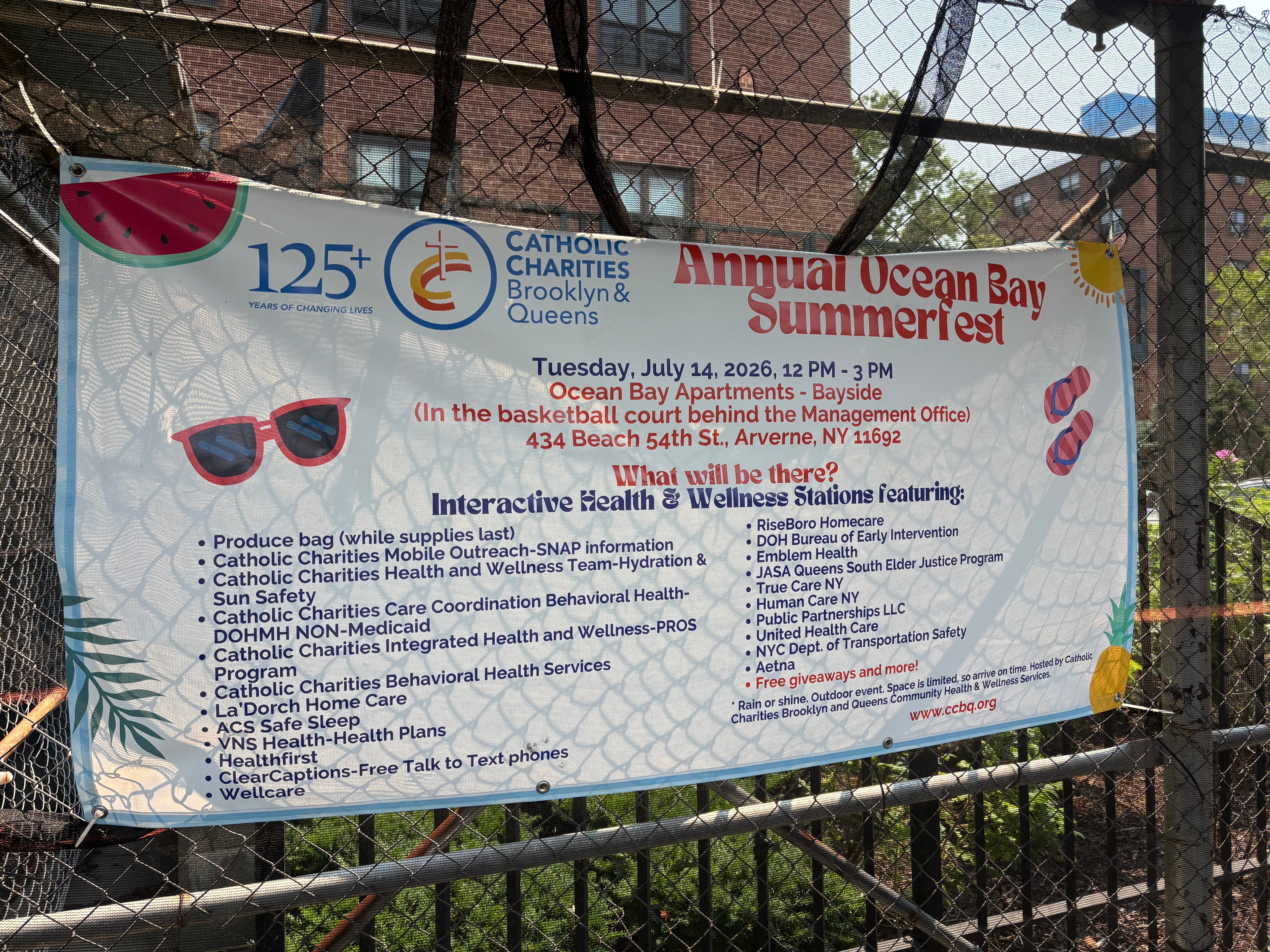
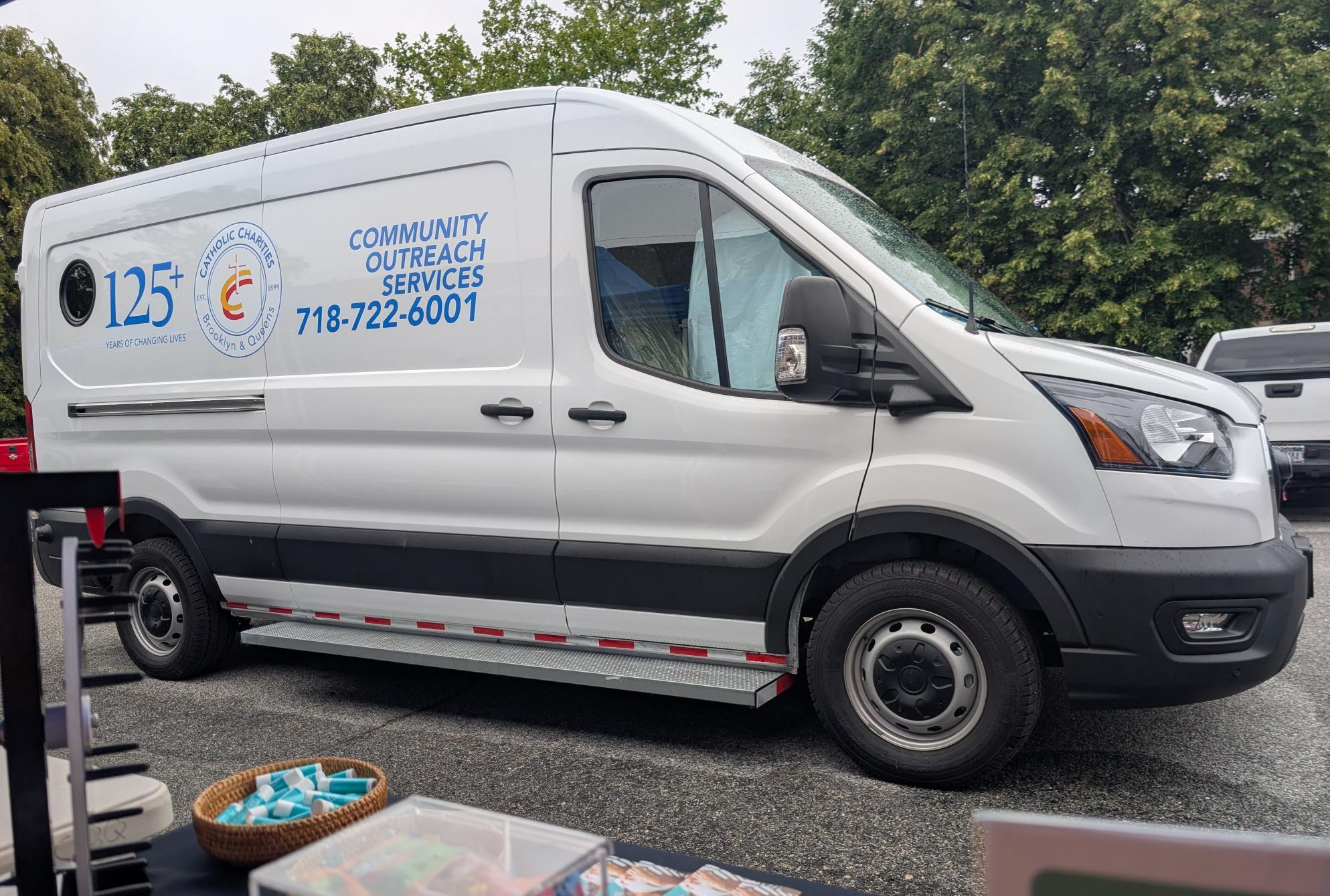
PPL was proud to table at Catholic Charities of Brooklyn & Queens’ Live It Up! events, which pair wellness fairs with community food pantry pop-ups. At the St. Jerome’s Church event in Little Haiti, approximately 200 community members received food vouchers and connected with more than 15 local vendors. Thank you to everyone who stopped by to say hello.
Look Out for Our Annual Survey
Our annual CDPAP satisfaction survey is planned for early next year. Last January, nearly 95,000 members of the CDPAP community shared their experiences with us. We’ll share details when it’s ready, and we hope you’ll take a few minutes to respond.
Key Dates and Reminders
Dec 1–27
Health Benefits Open Enrollment
Nov
National Family Caregivers Month
Early 2027
Annual CDPAP Satisfaction Survey
Important Payroll Reminders
PA Timesheet Submission Deadline: Saturdays at 11:59 p.m. ET
Consumer/DR Timesheet Approval Deadline: Sundays at 12 p.m. ET
Timesheets will not be paid until the consumer or DR approves through one of PPL’s approved systems. Consumers and DRs can approve time through PPL@Home, Time4Care, or our Telephony system.
Need a walkthrough? Visit our CDPAP resources page for step-by-step guides on how to approve time.
We’re Here to Help
Phone
English/Main: 1-833-247-5346
Spanish: 1-833-281-0927
TTY: 1-833-204-9042
Arabic: 1-833-278-4829
Bangla: 1-833-278-5781
French: 1-833-279-3511
Haitian Creole: 1-833-279-3513
Italian: 1-833-279-3514
Mandarin: 1-833-279-3467
Urdu: 1-833-281-3277